
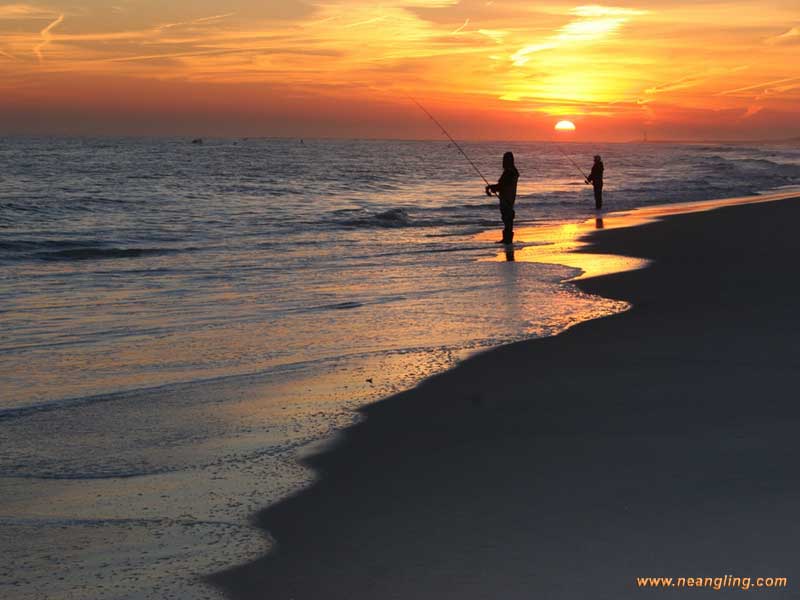
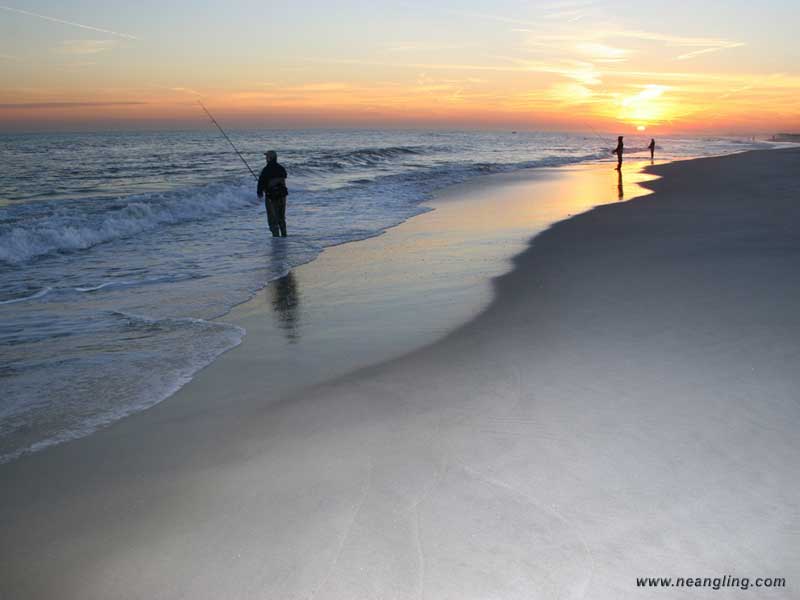
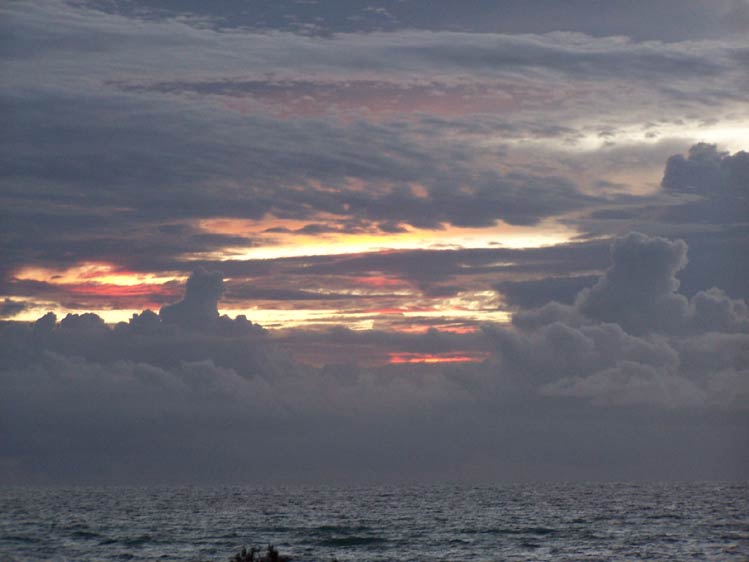
Our favorite images for use as wall paper on your MAC or PC. What better way to make it through a day stuck at your desk than to see these photos and think of your next adventure (or your last one)!
Simply click on the image to open it in a new window. For PC users, simply right click and select “Set as background” or “Set as Wallpaper”.





Frequently Asked Questions
To set an image as your wallpaper on a PC, click on the desired image to open it in a new window. Then, right-click on the image and select 'Set as background' or 'Set as Wallpaper' from the context menu. This will apply the image as your desktop background.
Yes, these images can be used as wallpaper on a Mac. Simply click on the image to open it in a new window, then save it to your Mac. You can then set it as your desktop background via System Preferences by choosing Desktop & Screen Saver and selecting the saved image.
The page features favorite images intended for use as wallpapers with no indication of cost or restrictions, implying that the wallpapers are free to download and use. However, it's always good to verify any licensing terms if available to ensure proper use.
It is recommended to click on an image to open it in a new window. This allows you to view the full-sized version of the wallpaper clearly before saving or applying it as your desktop background.
While the wallpapers are provided in a large image format linked from the thumbnails, there is no specific mention of various screen resolutions. Users should check the image dimensions after opening to ensure it fits their screen or else adjust accordingly.
Yes, the wallpapers are designed to motivate and remind users of their next or past adventures while working at their desk, adding a personal and inspirational touch to your computer background.


